Sales CRM
A CRM for customers, orders and inventory, with sales history and operational analytics.
About the project
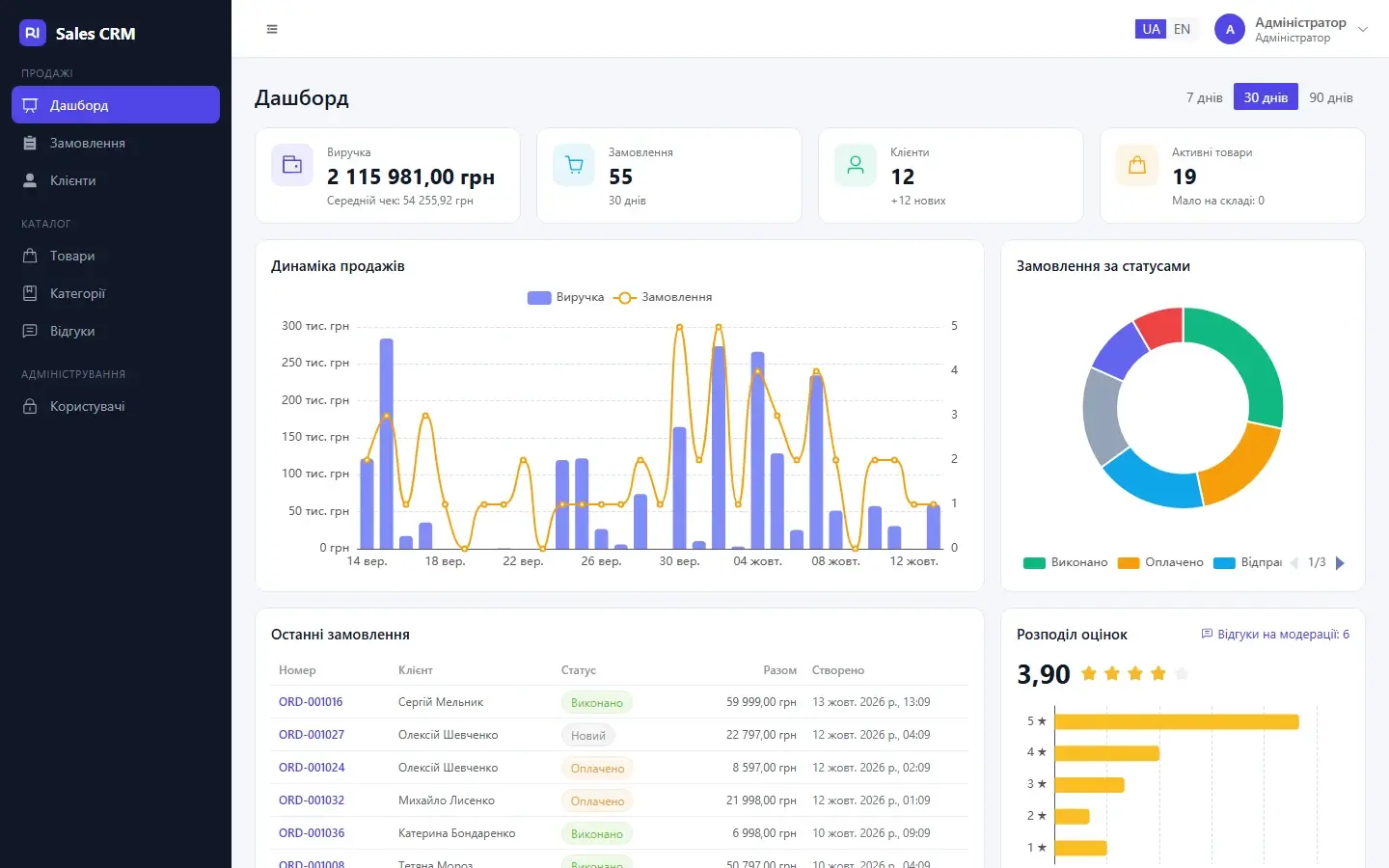
Sales CRM is an independent business system connecting customers, the catalogue, orders, inventory and analytics into one workflow. Managers can inspect customer records, sales history and order states, while status changes stay consistent with stock reservations.
The backend uses Go, chi and pgx; Vue and Pinia power the interface, and ECharts provides analytics. The project includes Ukrainian and English localisation, responsive screens and Playwright checks of key workflows.
The challenge
Keep sales and inventory aligned through stock reservations, history and price snapshots at order time.
What we built
Orders with status workflows and transition history.
Transactional stock reservations and price snapshots for created orders.
Customer records with lead/active/VIP segments and purchase totals.
Review moderation and automatic rating updates.
A sales dashboard, charts and operational indicators.
A Docker environment, Go tests, linters and browser checks.
Technology stack
Architecture & technology roles
- Go
- Server-side logic and business-system request handling.
- chi
- HTTP request routing in the Go application.
- PostgreSQL
- Relational storage of connected data and transactional consistency.
- Vue
- A component-based interface, forms and interactive screens.
- TypeScript
- Typed data models and application logic.
- Pinia
- State management across Vue interface components.
- ECharts
- Charts and visualisations of analytical indicators.
- Docker
- Reproducible environments and container-based component startup.
How it works
- Choose a customer and products for an order.
- Create the order and reserve stock.
- Progress the order through its states and review history.
- Analyse sales and customer activity.
Project gallery
More projects in this discipline
Boost Flow
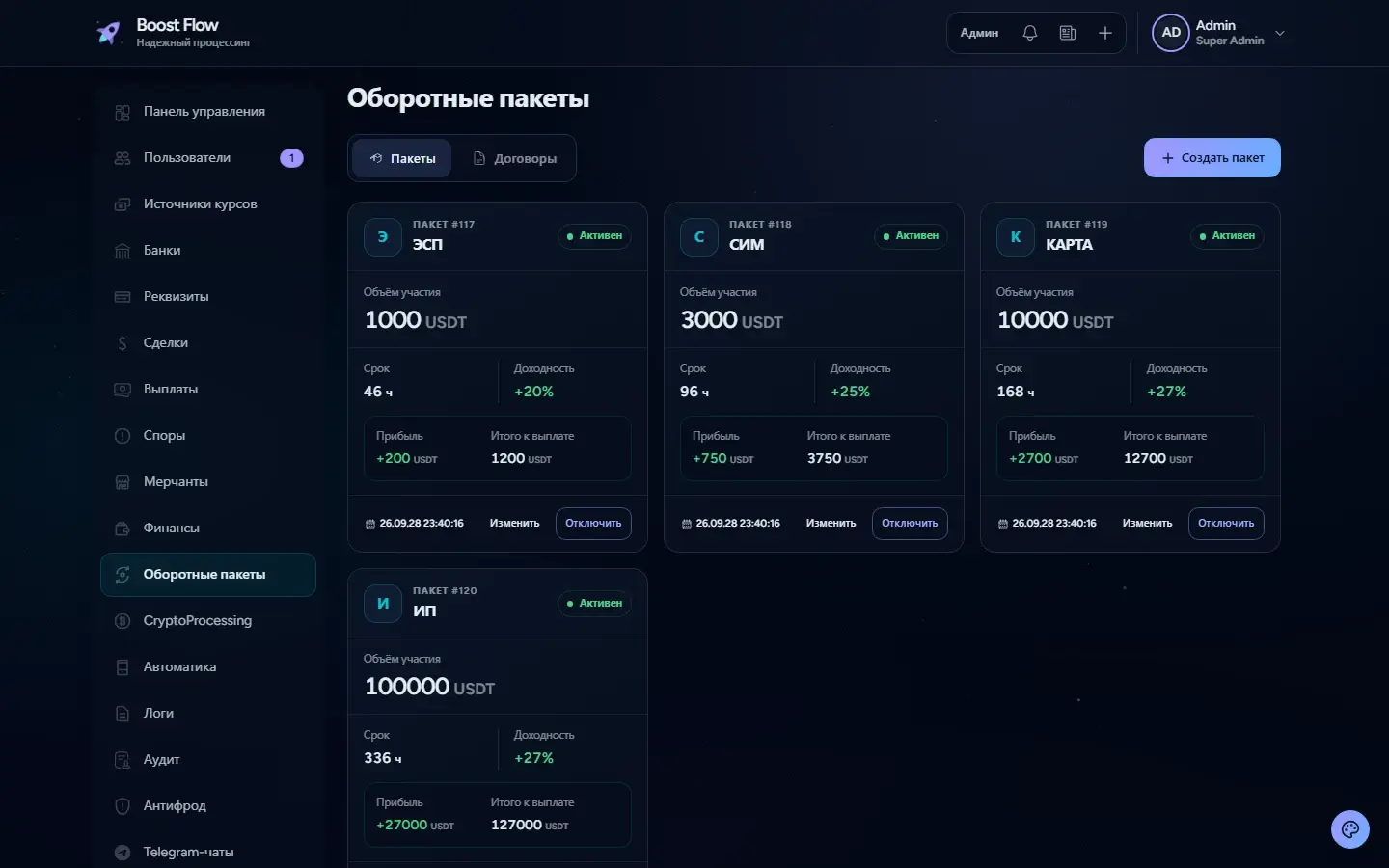
A platform for working balances, turnover packages, contracts and administrator-approved payouts.
FitHub
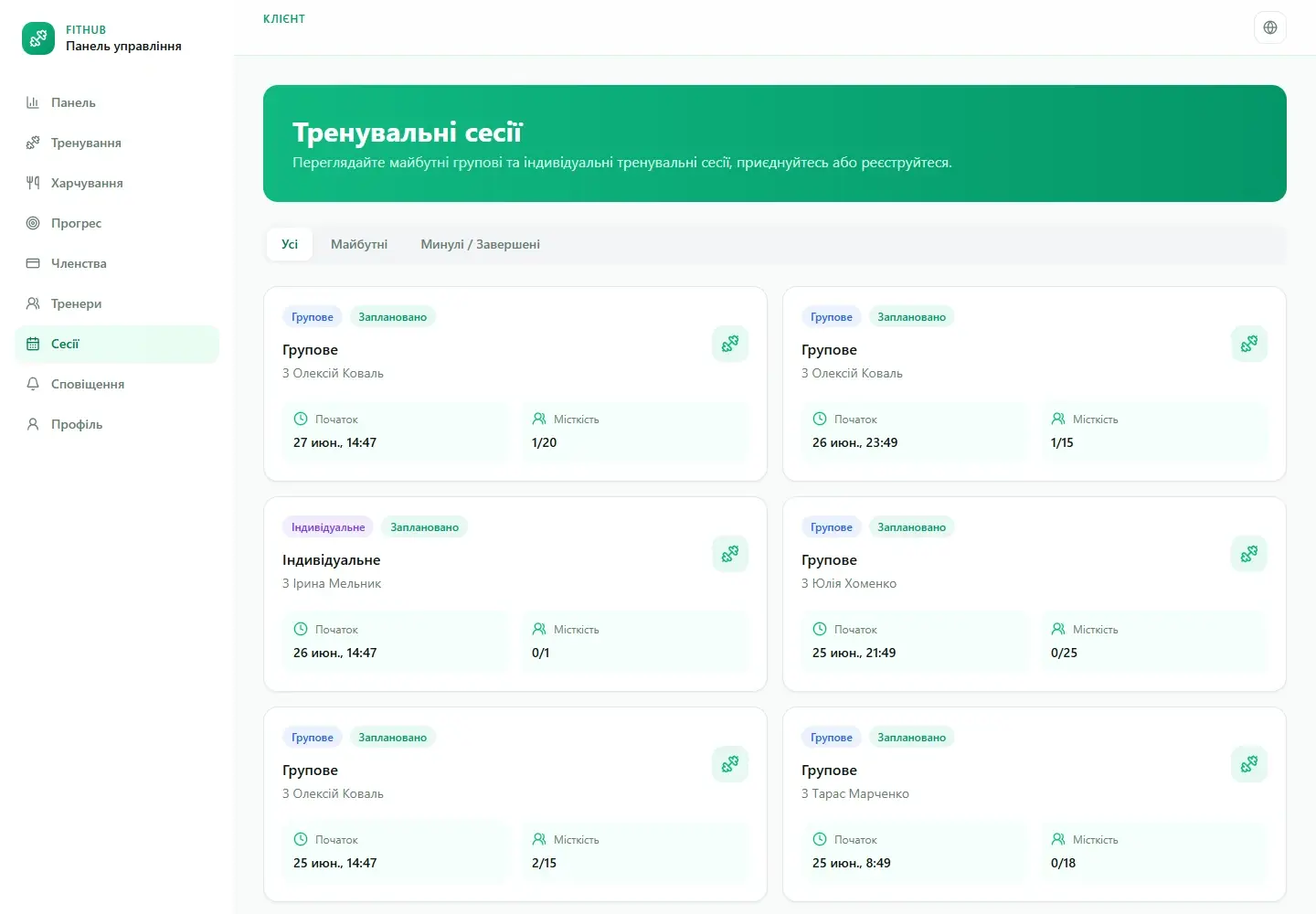
One platform for a fitness centre’s client profiles, training, schedules, memberships and attendance.
LeadFlow
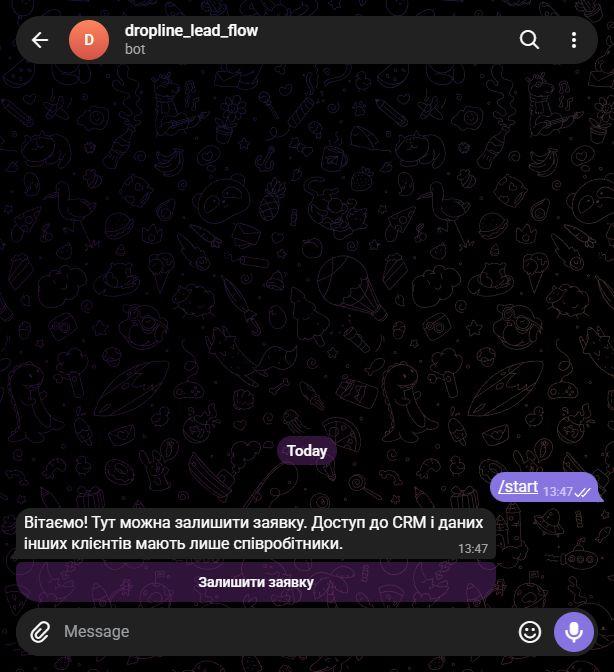
A Telegram CRM for capturing leads, managing customer records, scheduling follow-ups and coordinating a team in chat.
Have a challenge? Let’s solve it.
Tell us what you need. We’ll clarify the details and suggest the next step.
Discuss your project