LeadFlow
A Telegram CRM for capturing leads, managing customer records, scheduling follow-ups and coordinating a team in chat.
About the project
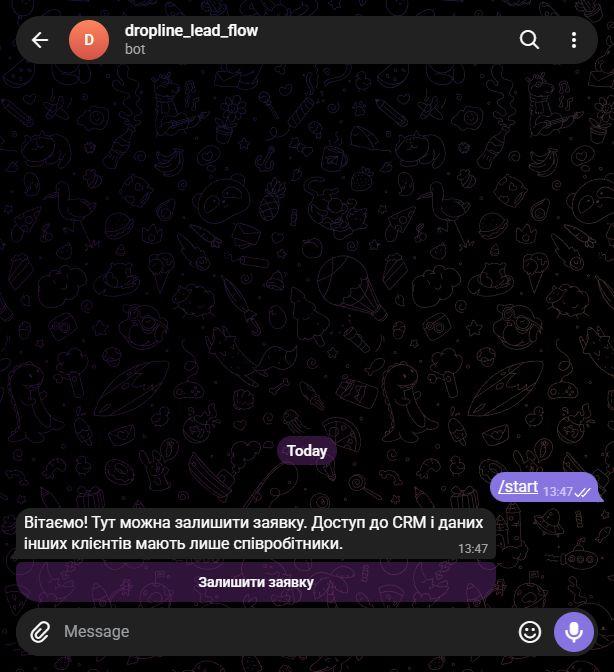
LeadFlow is a commercial Telegram bot with a public lead form and staff-only CRM commands. It stores leads, roles, notes, reminders and unfinished conversations in Supabase PostgreSQL, without requiring a separate web interface or database server.
The challenge
Make lead intake accessible in Telegram while keeping customer management role-restricted and preserving conversation and reminder state across bot restarts.
What we built
A public guided flow collects a name, contact, company, request, source and preferred follow-up time; users review and confirm the details before saving.
CRM commands require a Telegram ID and role that match both the server-side allowlist and an active Supabase staff record.
Browse lead lists and records, filter by status, and manage the lifecycle: new, contacted, qualified, proposal, won and lost.
Edit lead details, add notes, assign an owner and schedule follow-up reminders.
Summary statistics report total leads, today's leads, upcoming contacts and counts by status.
PostgreSQL stores leads, roles, conversations and the reminder queue; APScheduler dispatches reminders and Docker packages the service.
Technology stack
Architecture & technology roles
- Python
- Data processing, automation and server-side components.
- PostgreSQL
- Relational storage of connected data and transactional consistency.
- Docker
- Reproducible environments and container-based component startup.
How it works
- A user starts the bot and completes the guided lead form, or a staff member creates a lead with /new.
- The bot previews the submitted details for confirmation before saving; public submissions have a daily limit.
- A staff member opens a lead, updates its status or details, adds a note, or schedules the next contact.
- The scheduler sends reminders to assigned staff; lead data and unfinished conversations persist in Supabase.
Project gallery
More projects in this discipline
Sales CRM
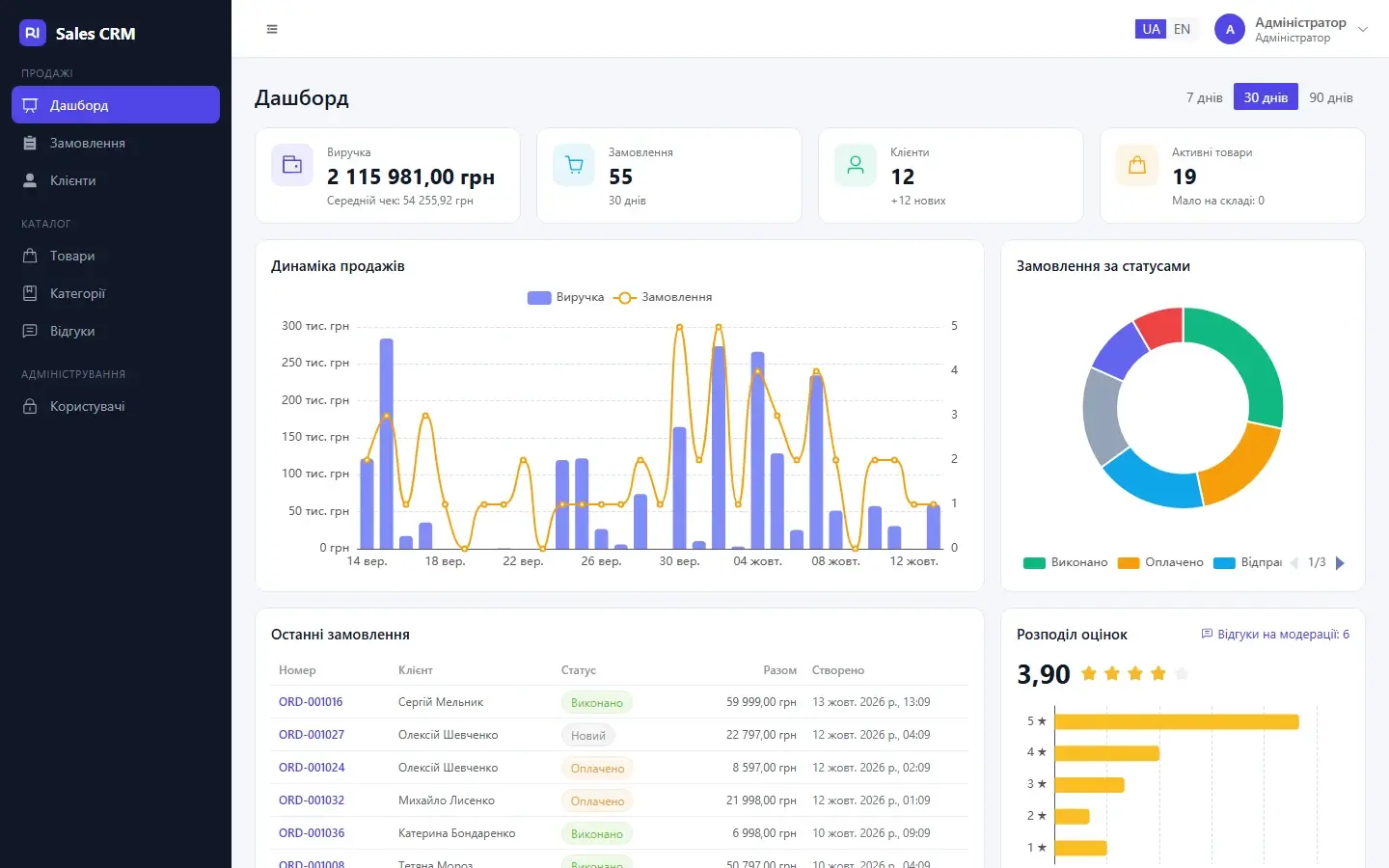
A CRM for customers, orders and inventory, with sales history and operational analytics.
Boost Flow
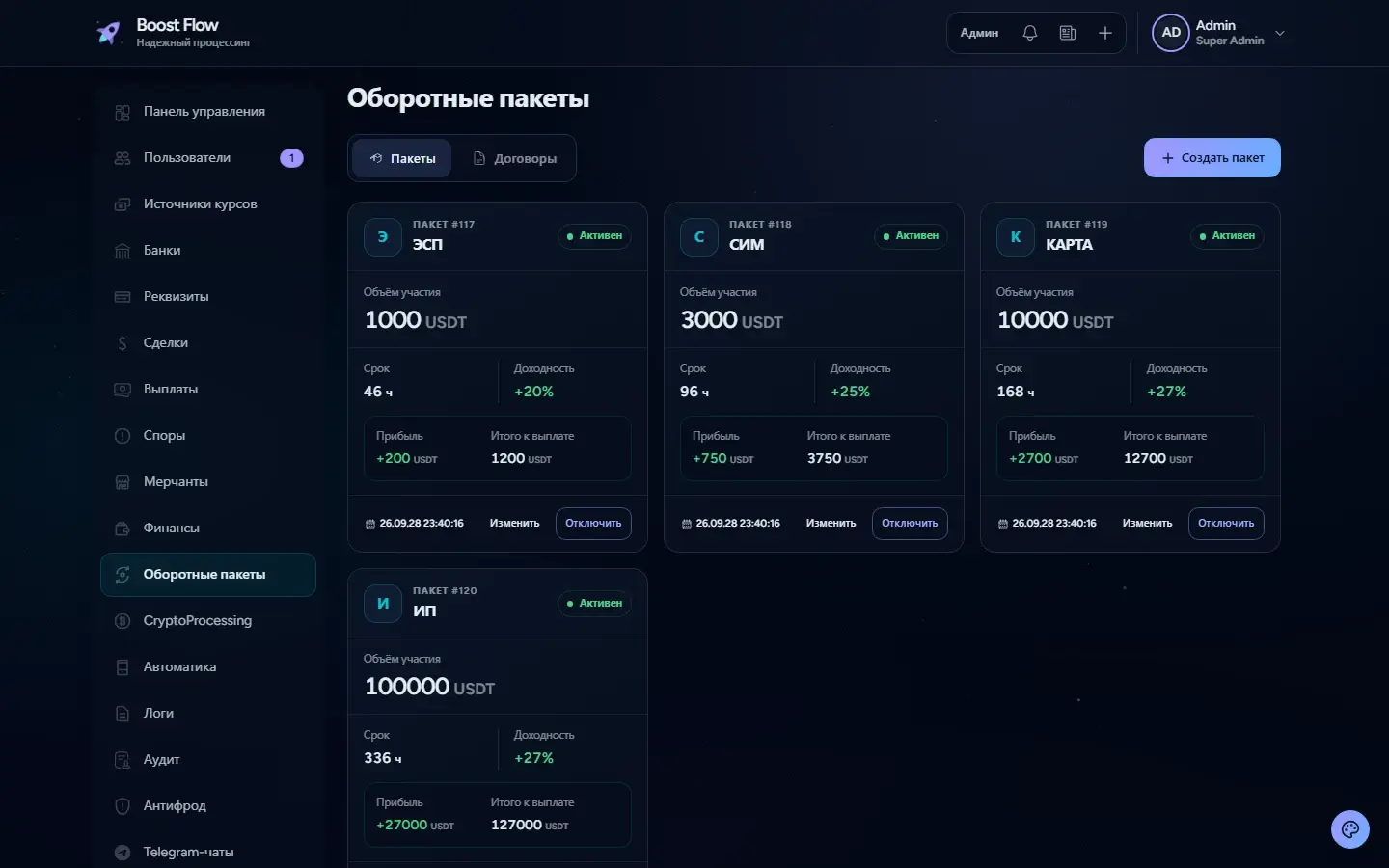
A platform for working balances, turnover packages, contracts and administrator-approved payouts.
FitHub
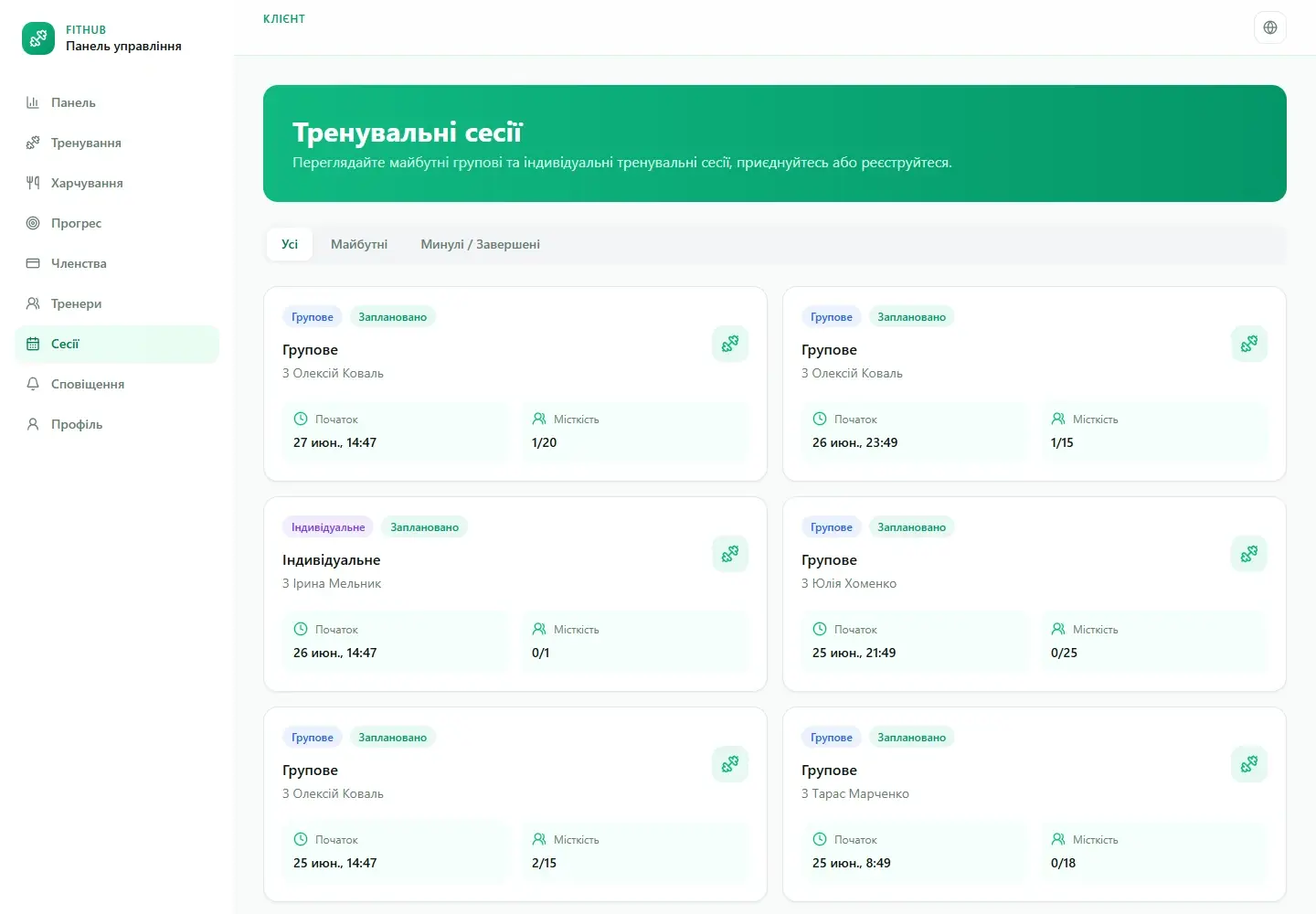
One platform for a fitness centre’s client profiles, training, schedules, memberships and attendance.
Have a challenge? Let’s solve it.
Tell us what you need. We’ll clarify the details and suggest the next step.
Discuss your project